
Purchase Passport
A personal archive of receipts and warranties
When something breaks, the receipt is already lost. Purchase Passport keeps the receipt, warranty and history of every item in one card and never sends your data to a server: the archive lives in your browser. My own project: I made the idea, the product and the code
01 / idea
One passport for every thing
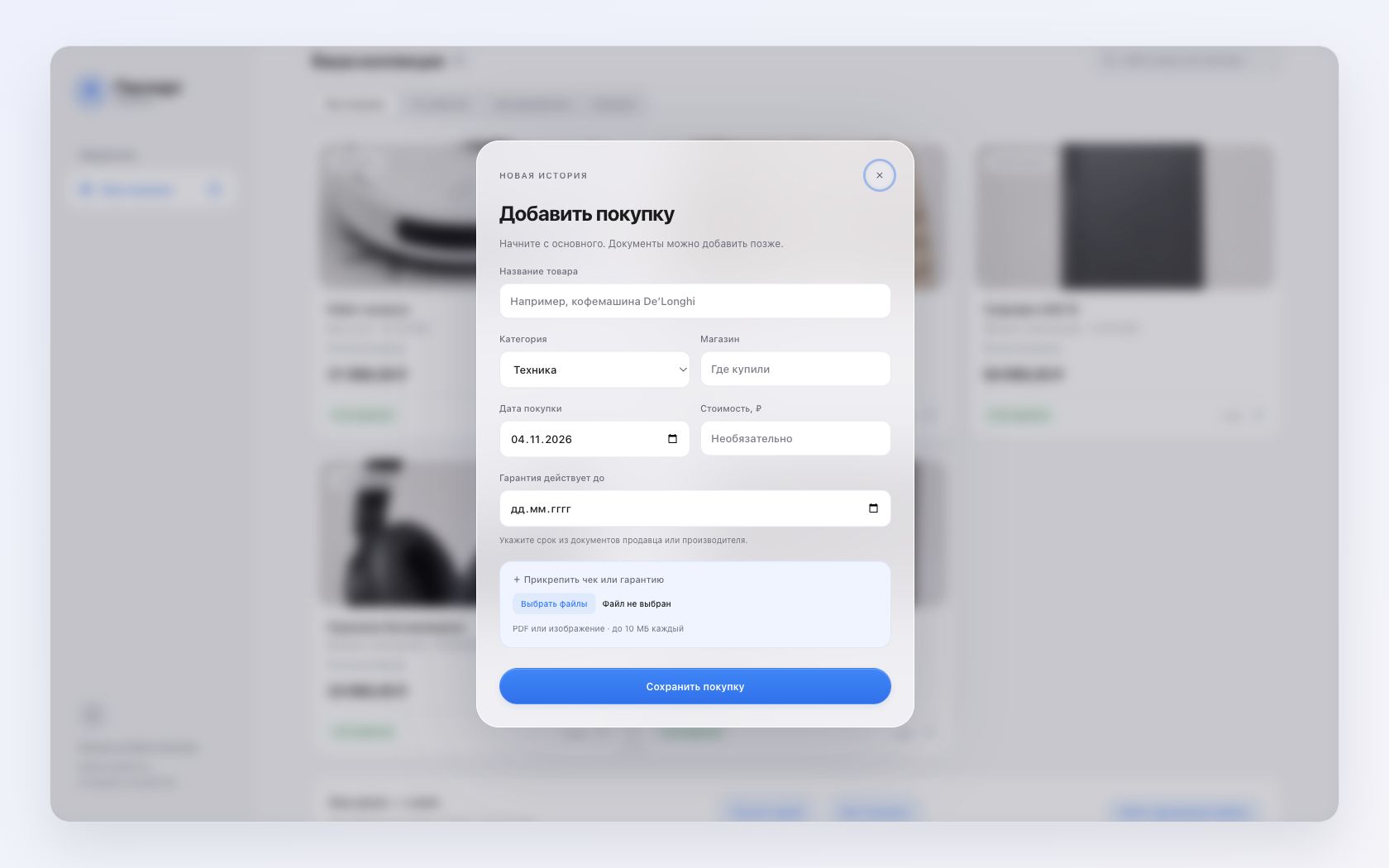
Purchase papers are scattered across email, photos and drawers, yet you need them exactly when something has broken. The idea is to gather them into one card per item: what was bought, where, for how much, until when the warranty runs and which documents belong to it
02 / principle
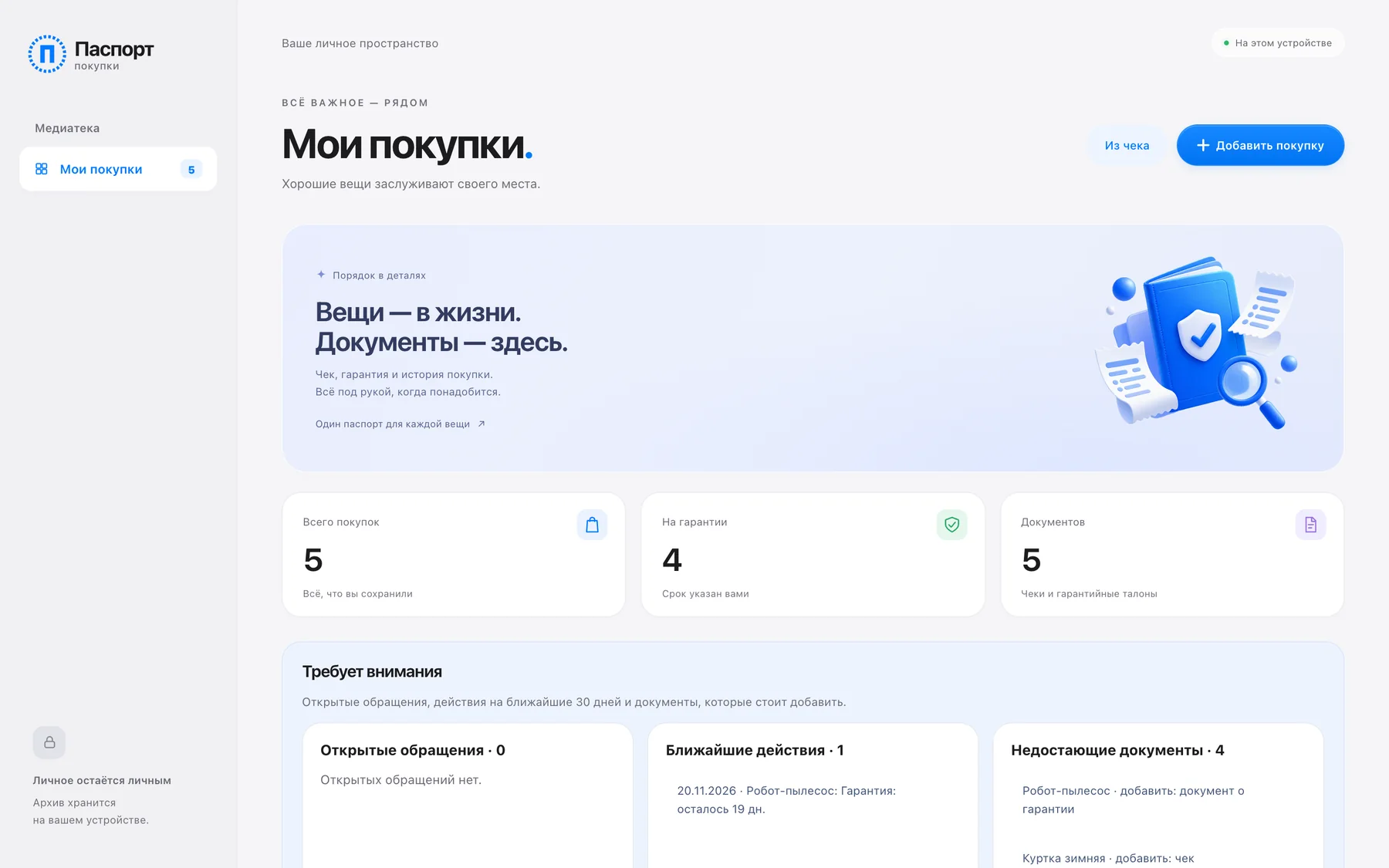
Your data stays with you
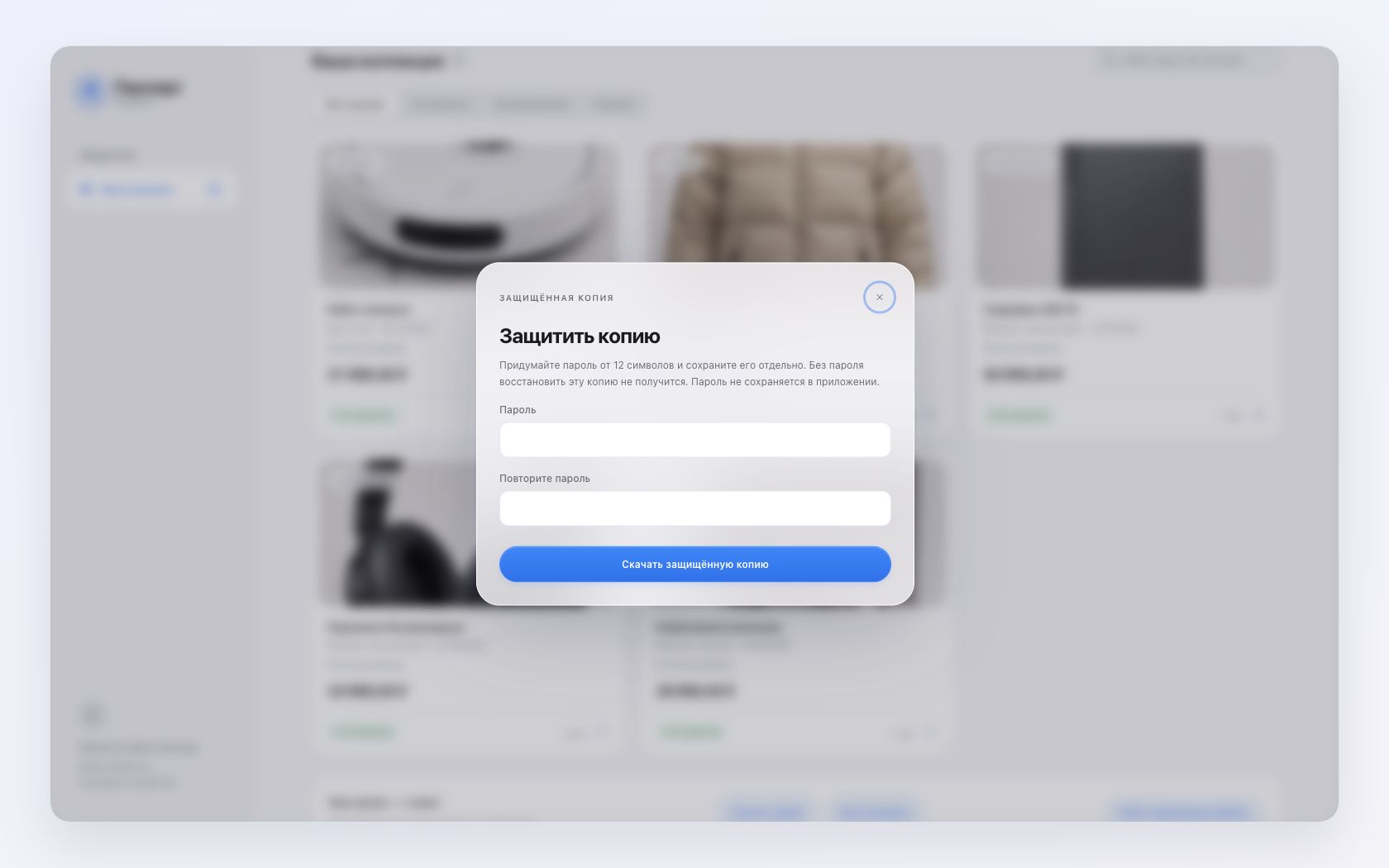
Purchases and files are stored in the browser on your device: no sign-up, no cloud, no subscription. The flip side is responsibility, so the app reminds you to make a backup and says plainly that clearing browser data will delete the archive
03 / item passport
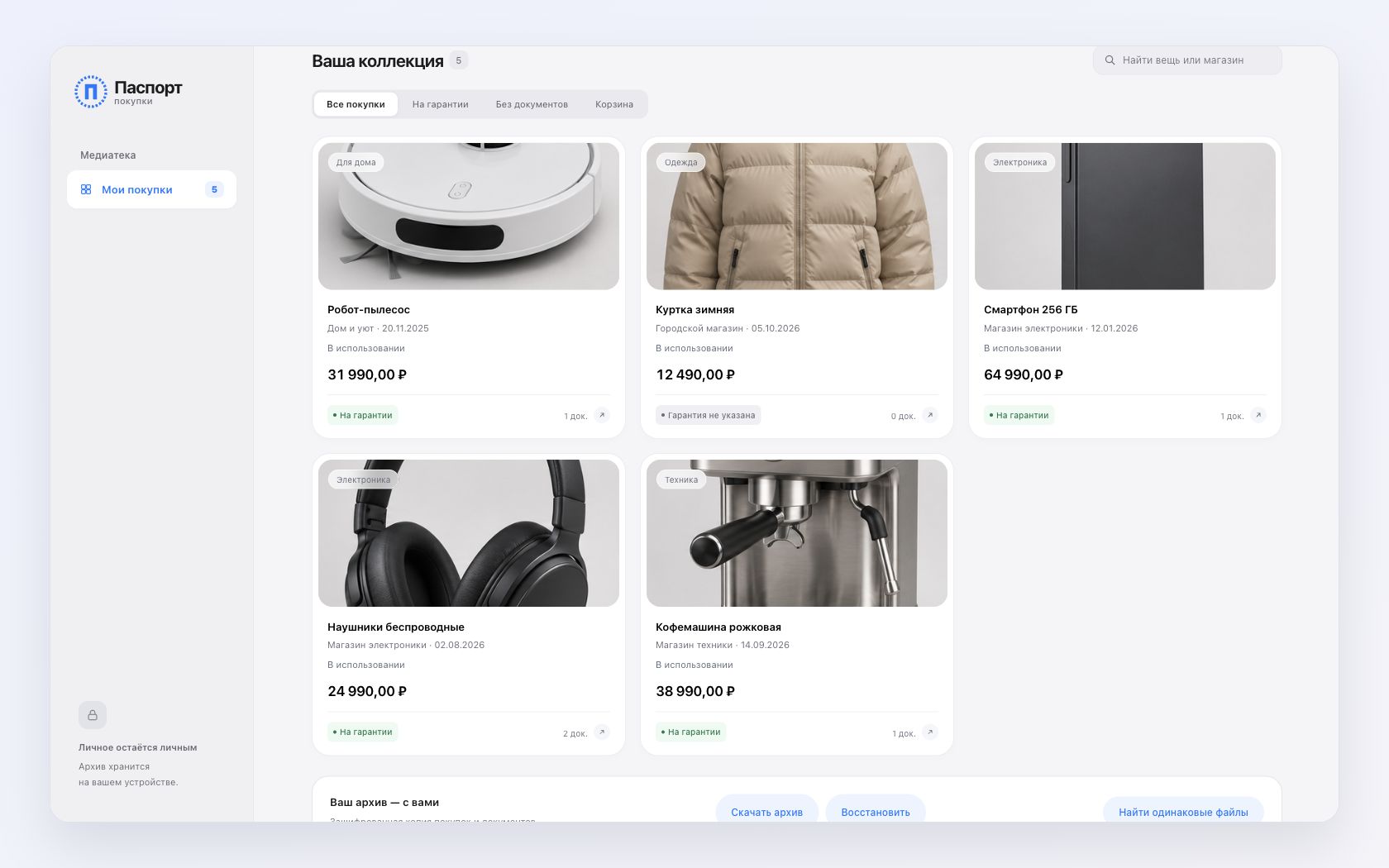
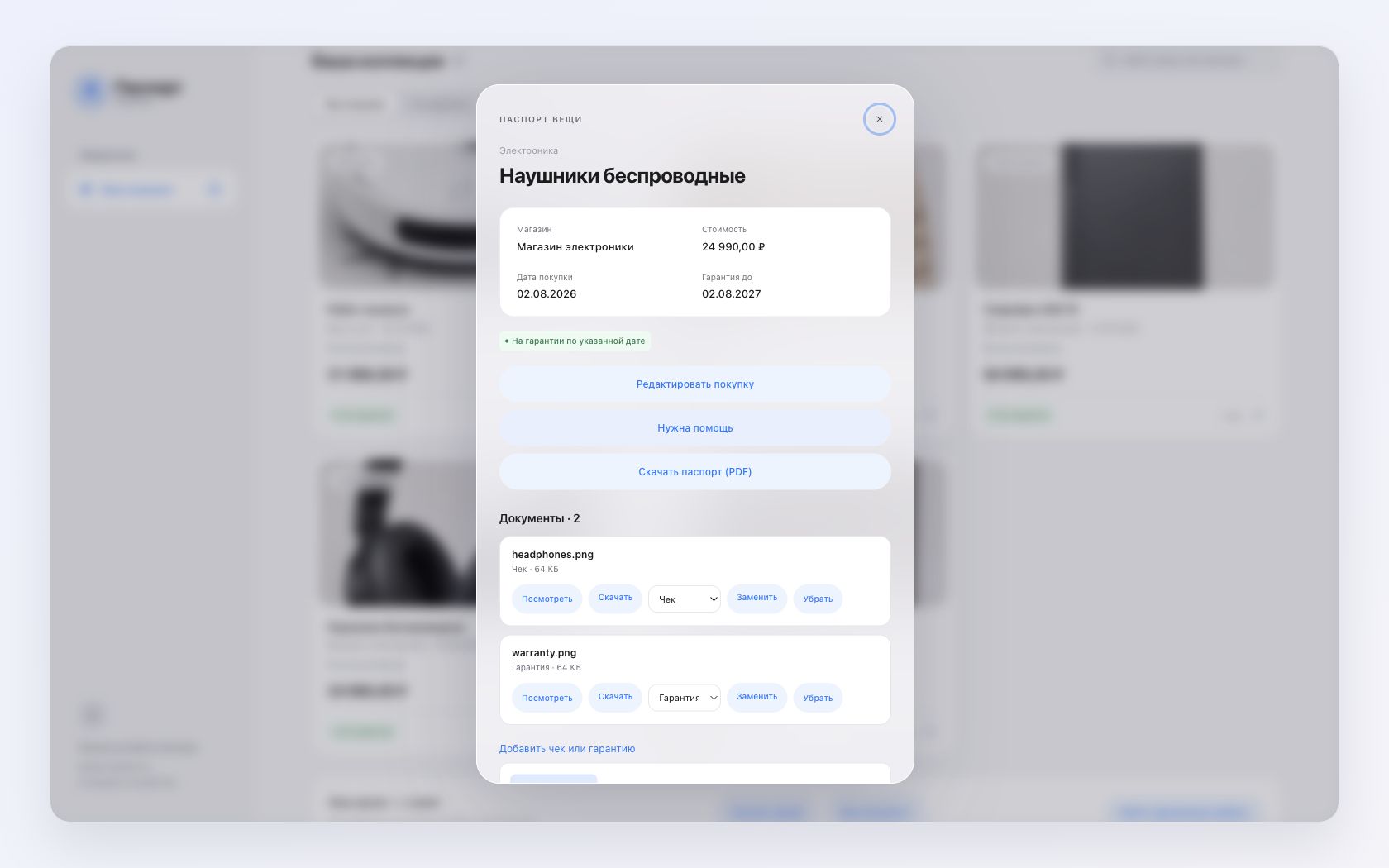
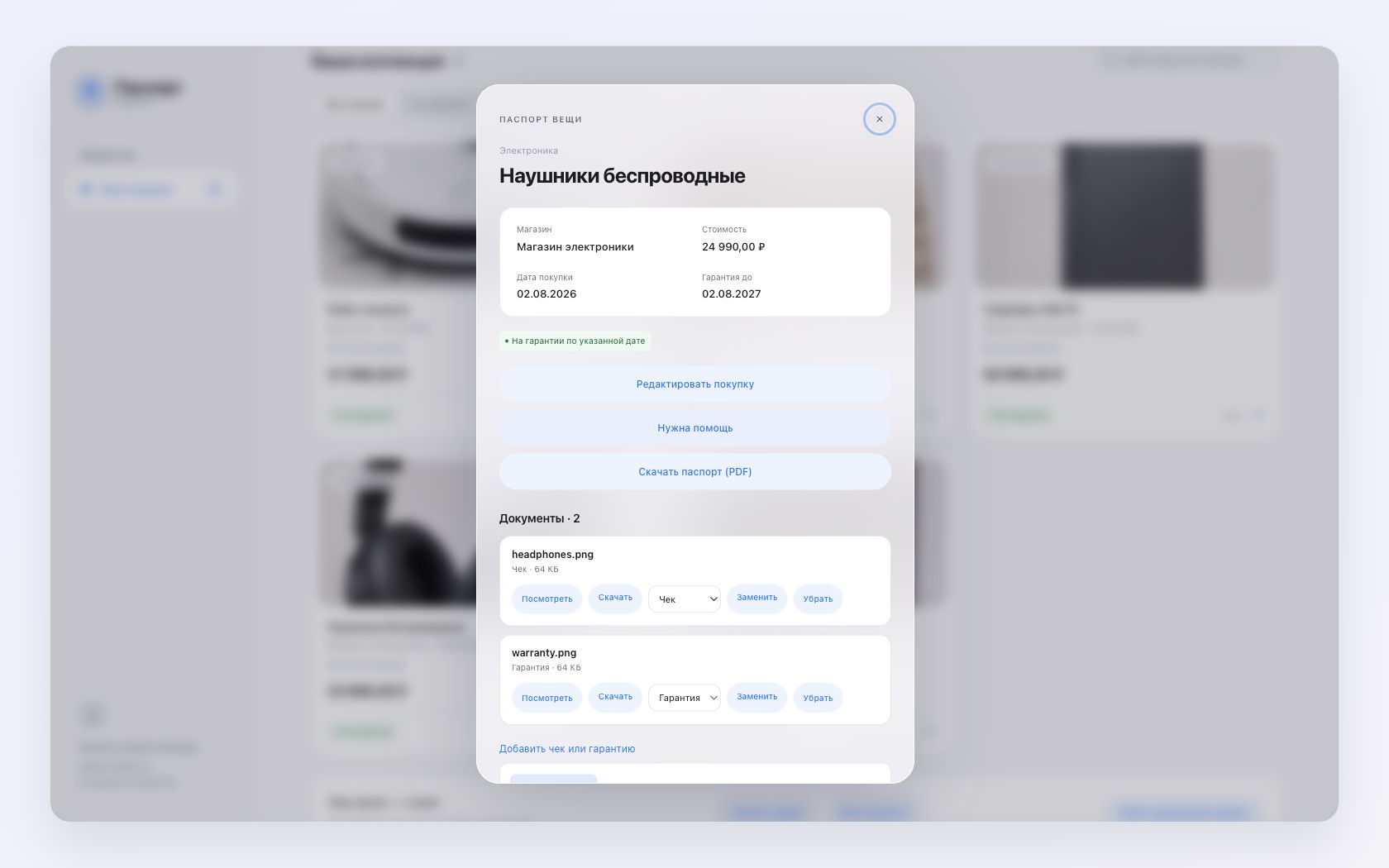
An item card: facts, documents and the life of a purchase
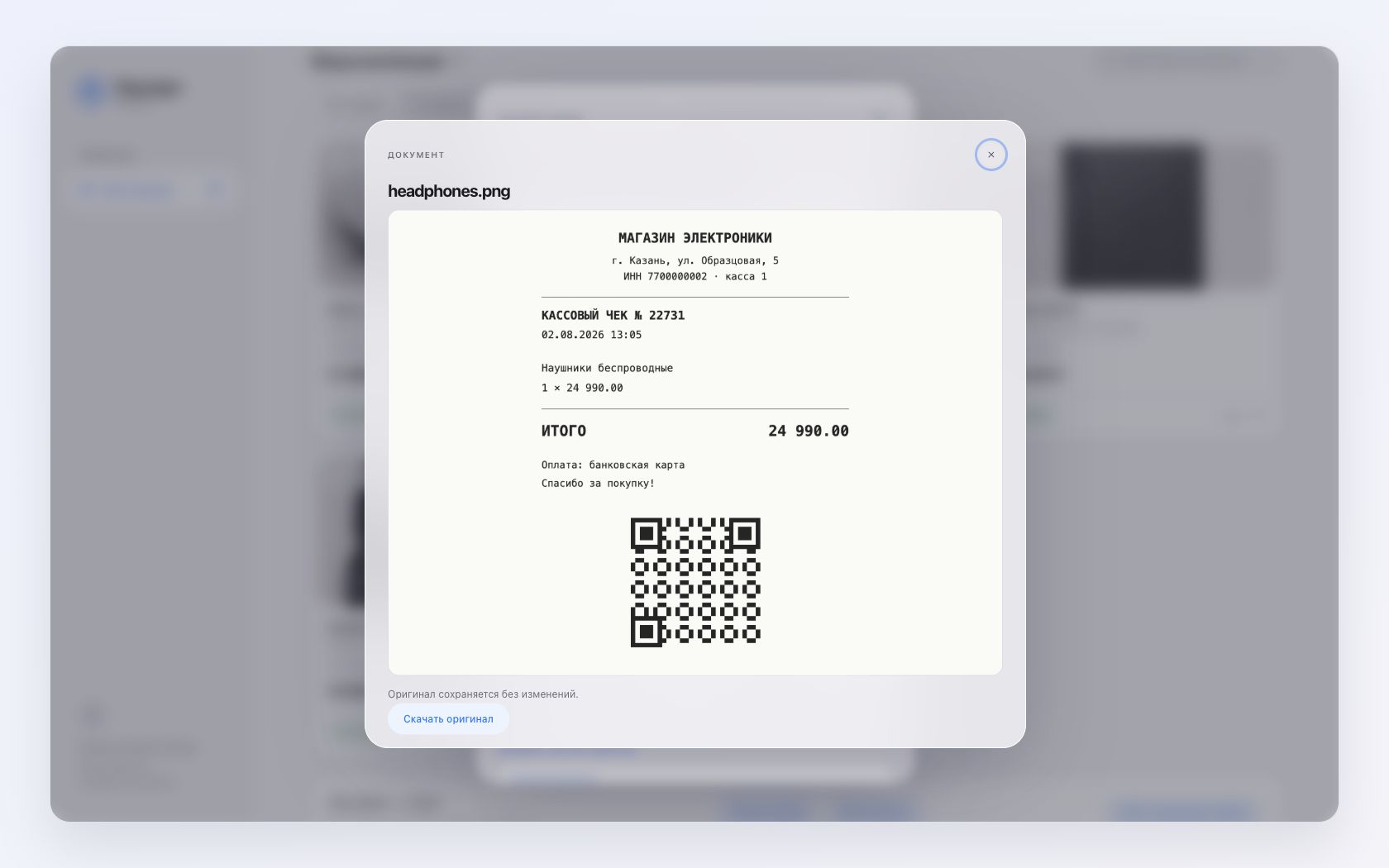
Every purchase has its own passport: store, price, date, warranty end, documents typed as Receipt, Warranty or Other, item status (in use, in repair, returned, sold) and a log of events and reminders
04 / when it breaks
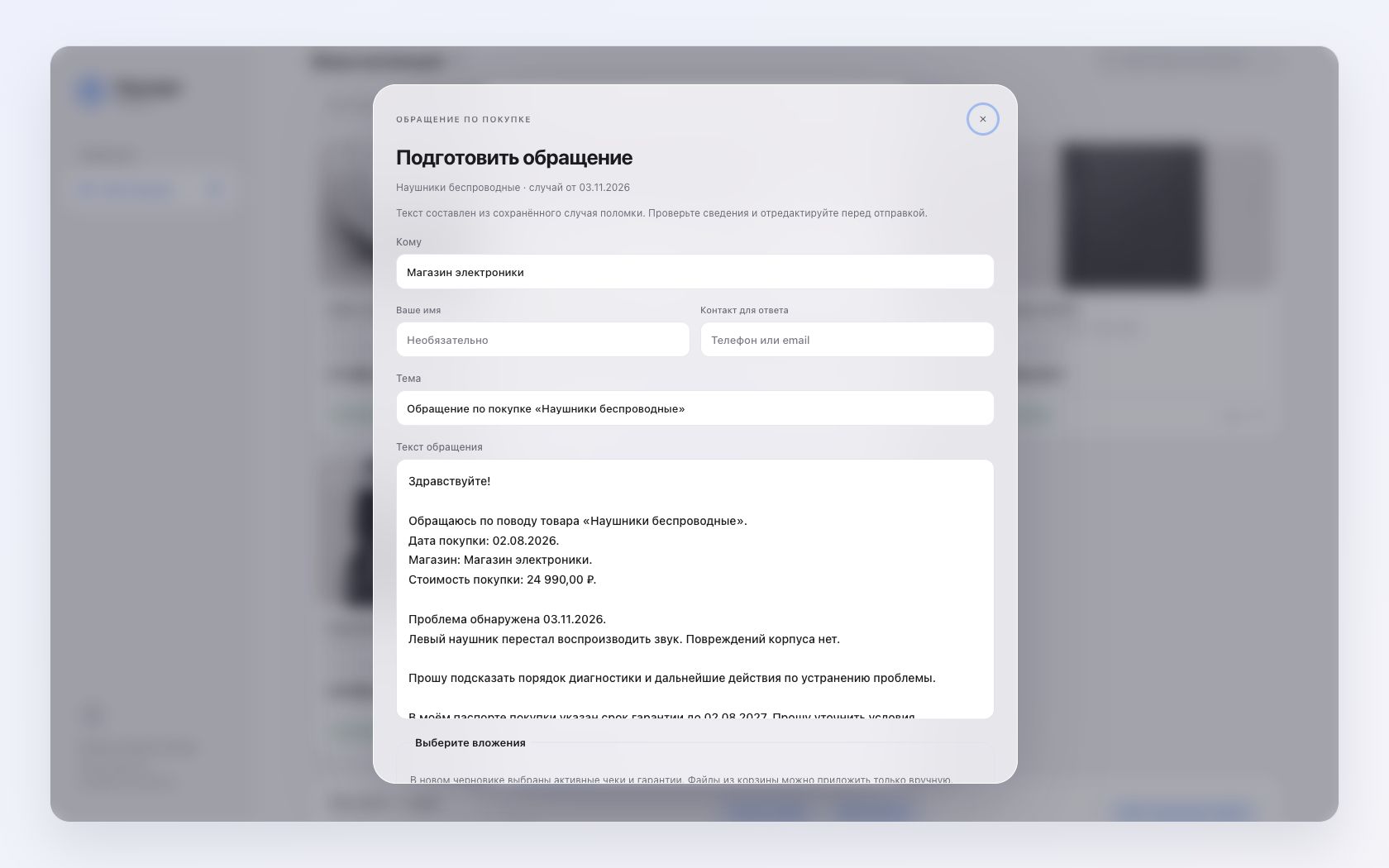
From a breakdown to a letter to the store
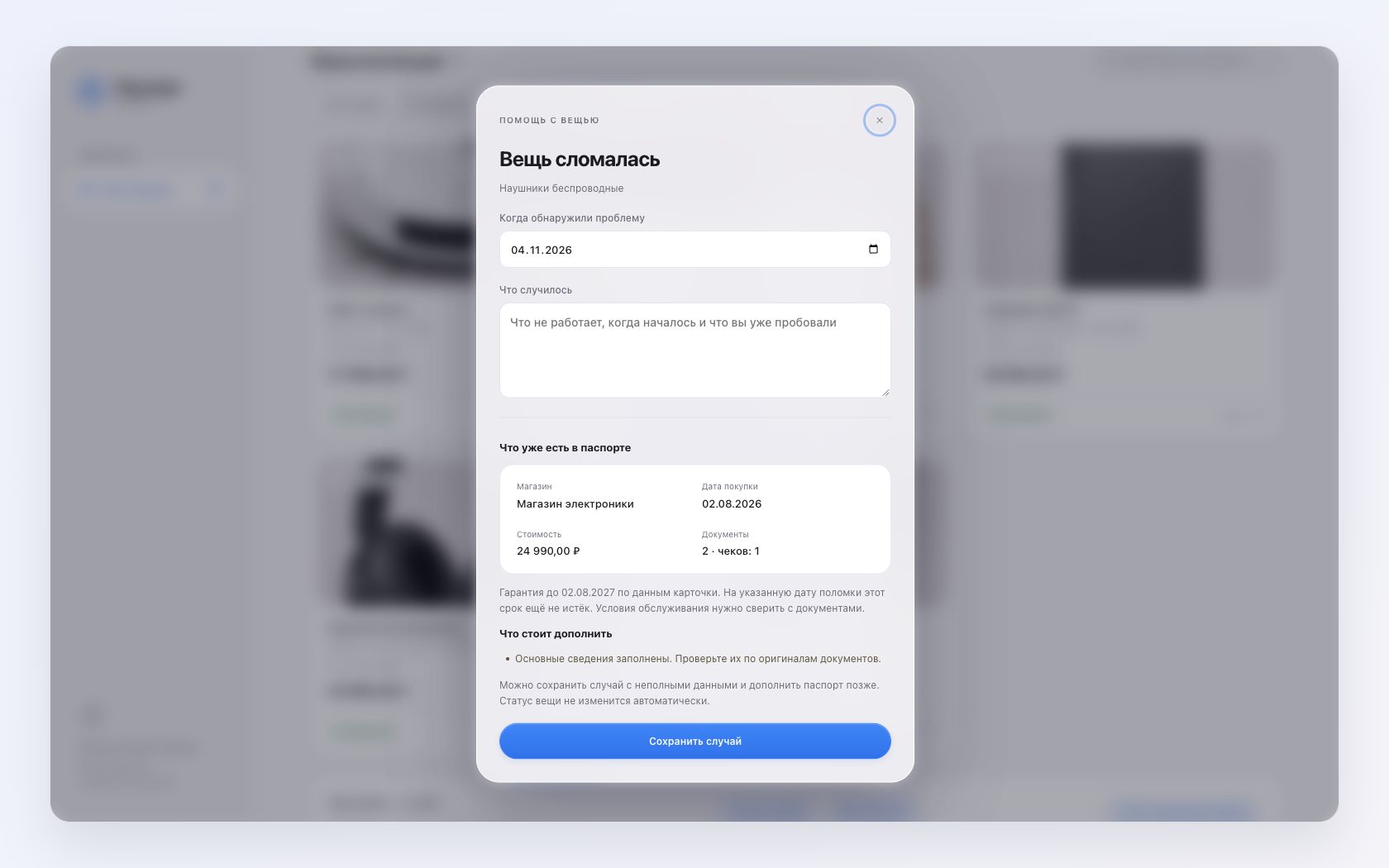
The “Need help” button records the breakdown and shows what the passport already holds: purchase data, receipt, warranty end by your date. From a saved case the app writes the text of a letter and a ZIP kit with the documents you choose. You send the letter yourself: the app sends nothing and draws no legal conclusions
05 / add from a receipt
A photo of the receipt instead of typing
Upload a photo or PDF of a receipt: the app reads the QR code and fills in the date, and you check and confirm the fields. The local Mac version also recognises the receipt text on the device (Apple Vision) and offers an optional query to the Russian tax service. It sits behind its own button because it sends the receipt data to an external server
06 / how it works
A static site with no backend
Plain JavaScript, no frameworks. Purchases live in IndexedDB: each record is versioned, so two tabs cannot overwrite each other's edits. Backups are encrypted with Web Crypto, the QR code is read by jsQR, the ZIP and PDF passport are built without external libraries. The logic is covered by 61 automated JS tests and 7 server tests
other projects
More in “Projects”

AUR Audio
A large VST platform, Aurveda Audio: 31 effects and 23 instruments on one DSP core

iMixing
A music AI service that preps tracks for release and helps work with MIDI

Ayurveda Reader
A web app for reading Ayurveda texts in Russian, with chapter navigation and search

Zaymy Bot
A Telegram bot that tracks loans between friends: who owes whom, how much, by when

Atelier Real
An investor project for ultra-realistic modular fashion mannequins with full unit economics